Single Sign-On (SSO)
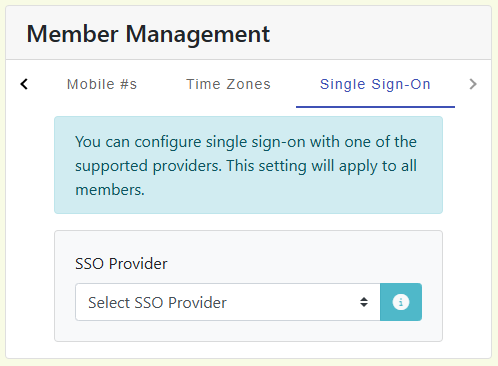
Nilear supports Single Sign-On (SSO) with Microsoft 365 and Google Workspace.
Microsoft 365
It is recommended that an admin log in first after enabling SSO with Microsoft so that the Enterprise application can be installed in the Entra ID tenant and the permissions can be granted. Failure to do this may result in users being denied access to the platform, depending on your tenant security.
The tenant admin must have at least the Directory Administrator or Application Administrator roles to install and grant access to the app.
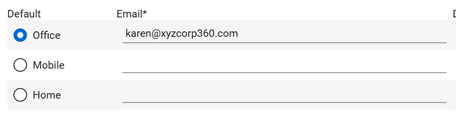
Due to possible fraud and spoofing, the user's UPN MUST MATCH the default email address for their Member account within Connectwise PSA or the user will not be able to log in. The email address can be added as an additional address - it just needs to be set as the default.